About QR codes
The image to the right is called a QR code. It is an easy way to send the web page you are currently looking at in your web browser to your smartphone or iPad.
The iPad and many smartphones will automatically recognize the QR code when you use the camera app and point your camera at the QR code. If this does not work, look for a "Barcode scanner" or "QR code scanner" app in your device's app store.
Back
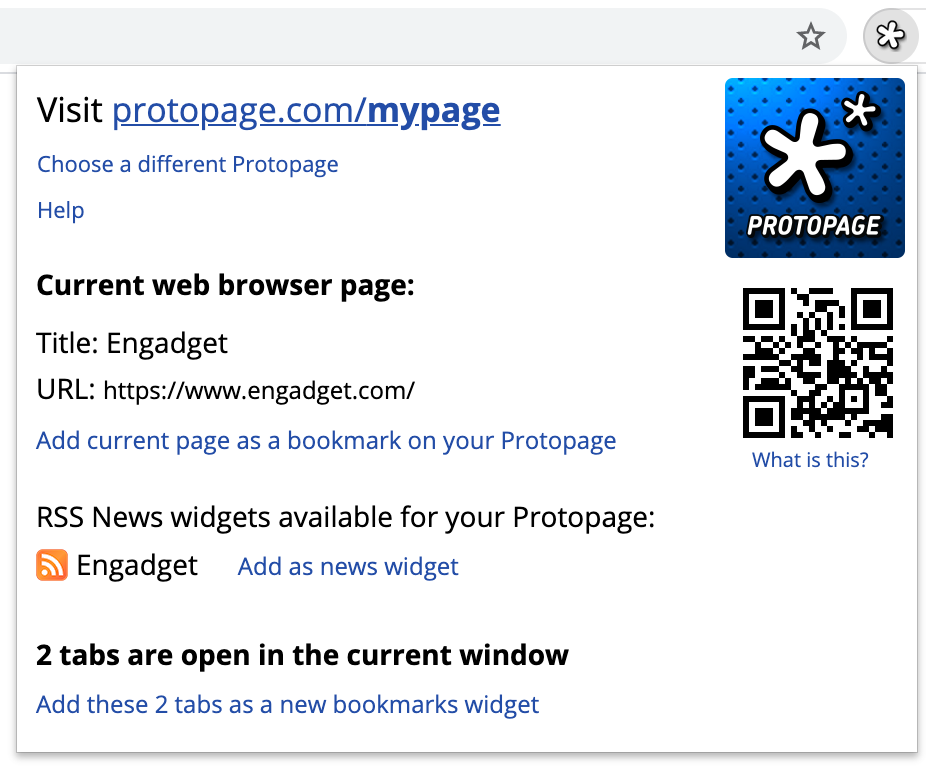
Click the Protopage extension icon for quick access to your Protopage.

Use this extension to:

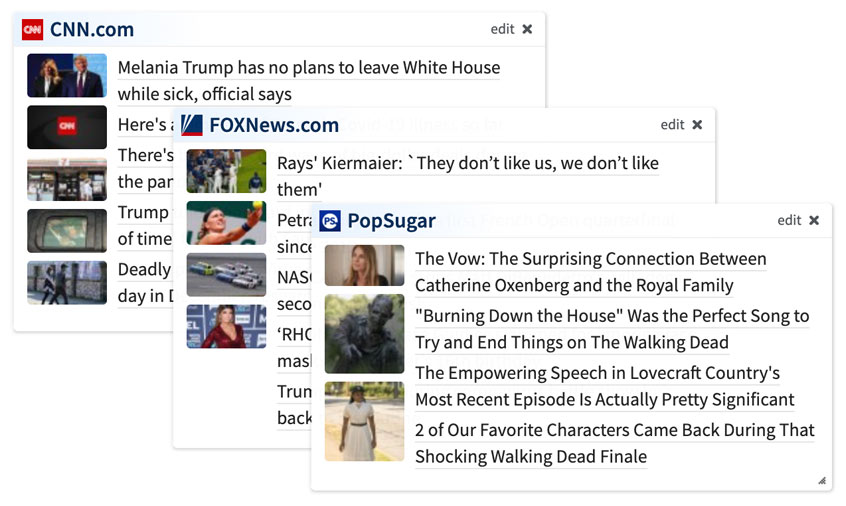
  • Quickly add the current web page as a news widget
  • Quickly add the current web page as a bookmark
  • Add all open tabs in the current browser window as bookmarks in a new bookmarks widget

In addition, a QR code is displayed for the web page you are currently on. This makes it easy for you to send the web page you are looking at to your smartphone or iPad (use the camera or QR code scanner app and point the camera at the QR code).

Back
Protopage is your own personal page that you can access from any computer. Use Protopage to monitor news headlines from almost any web site, even obscure ones.
If you are new to Protopage: click here to create a Protopage first.
Existing users: click here to log in to your Protopage before using this extension.
Please choose the Protopage you wish to use with this extension:
If you do not see your Protopage in the list, please log in to your Protopage first and then return to this list. (In some cases, you may need to log out of your Protopage and then log back in to make this work).
What is this?
Visit protopage.com/
Choose a different Protopage
Help
Current web browser page:
Title:
URL:
Add current page as a bookmark on your Protopage
Add current page as a news widget on your Protopage
RSS News widgets available for your Protopage:
Waiting for Protopage to load...
Settings
Feeling generous? Please take a second to leave us a review